


Developer Tools
HTTP & API traffic inspector
Busymate Helper
Inspect every request your apps make — right on your iPhone and iPad.
Capture and inspect the HTTP/HTTPS requests your own apps make, then review them live on your Busymate dashboard. You choose exactly which domains get decrypted.
Open the dashboardWatch: get set up in under a minute.
Quick start
From install to live capture in about a minute
Four quick steps — the walkthrough video shows it end to end.
- 01
Sign in
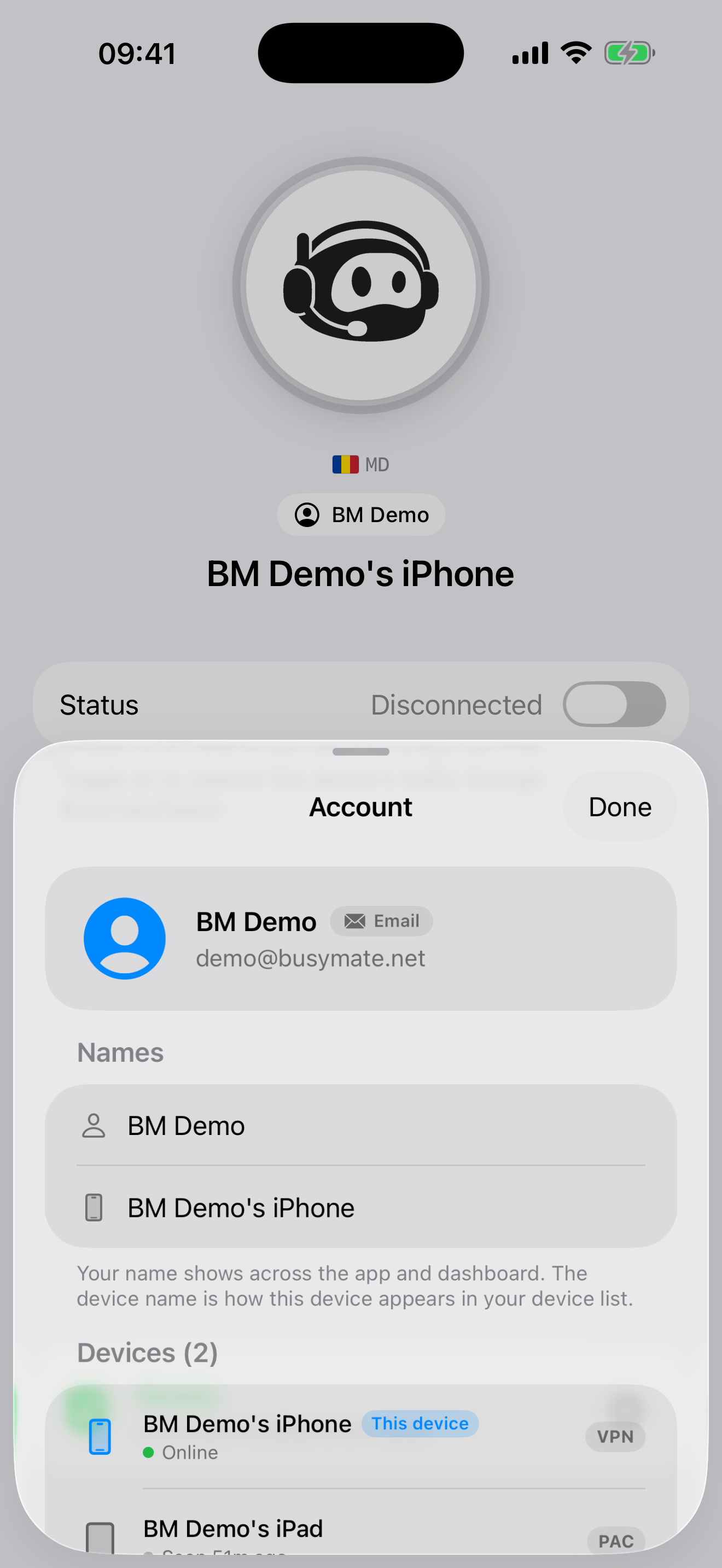
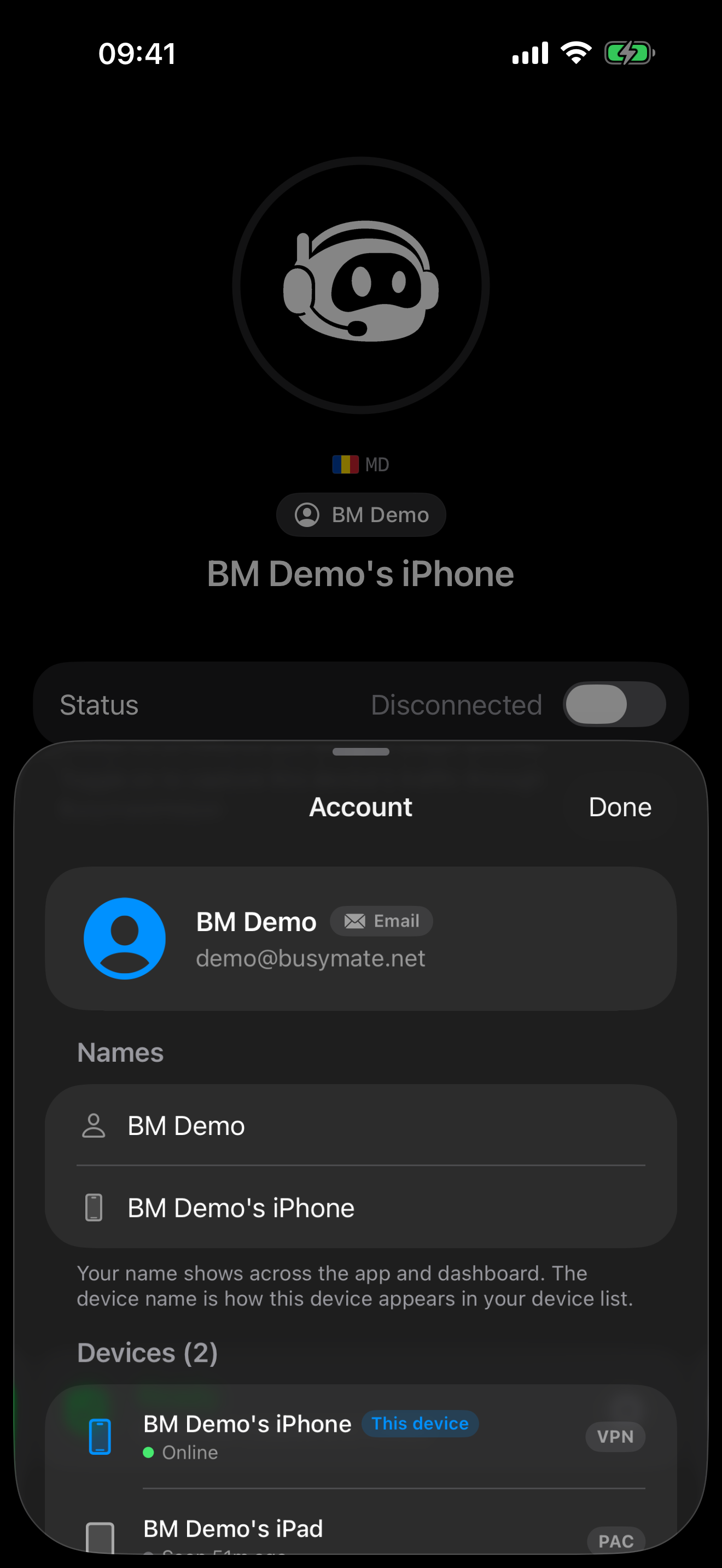
Create a free Busymate account with Apple or email — it pairs the app to your device.
- 02
Add your domains
List the domains you want to decrypt. Everything else stays end-to-end encrypted.
- 03
Install & trust the CA
Install the local certificate generated just for you — the 1-minute walkthrough above shows exactly how.
- 04
Capture & inspect
Flip capture on, accept the disclosure, and requests stream in live — tap any one for full headers and body.
Real-time feed
See requests as they happen
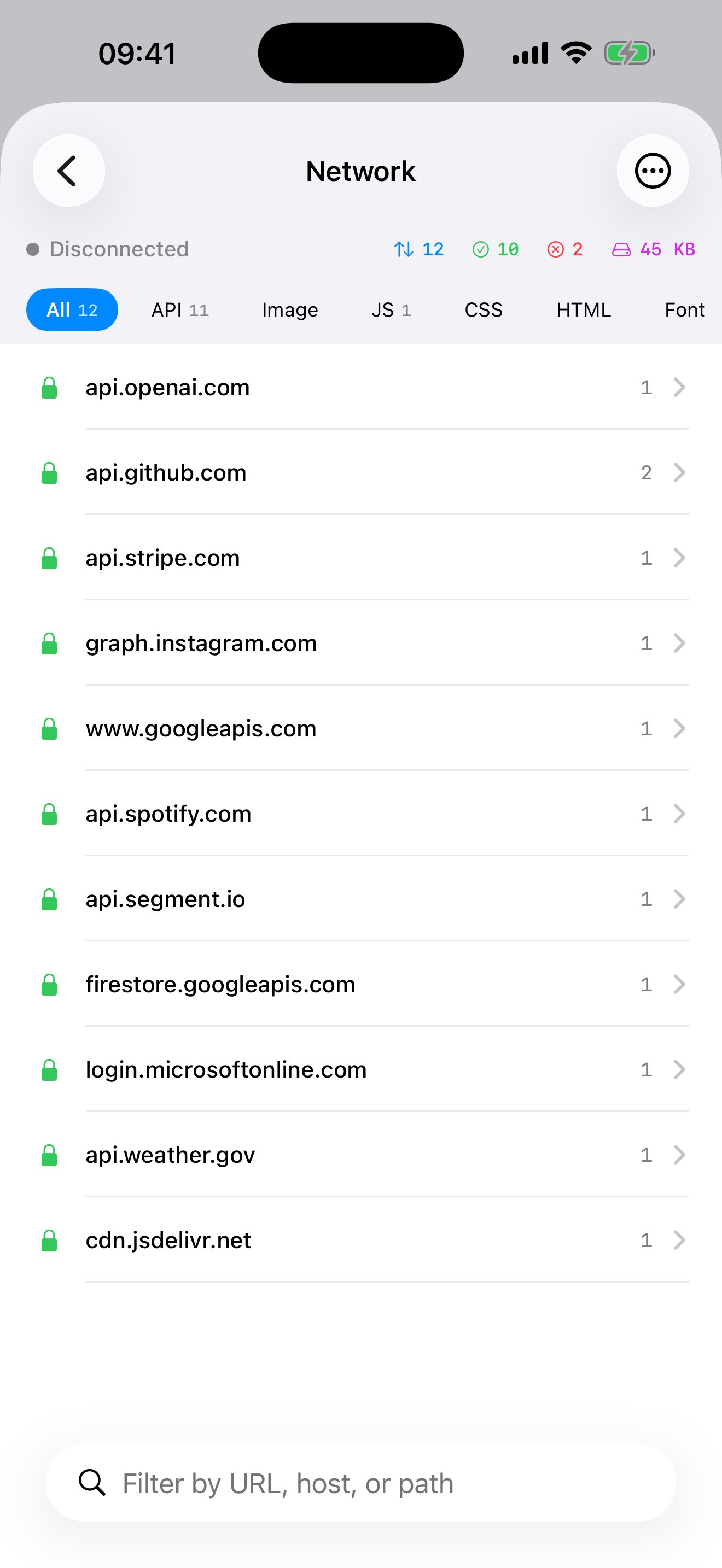
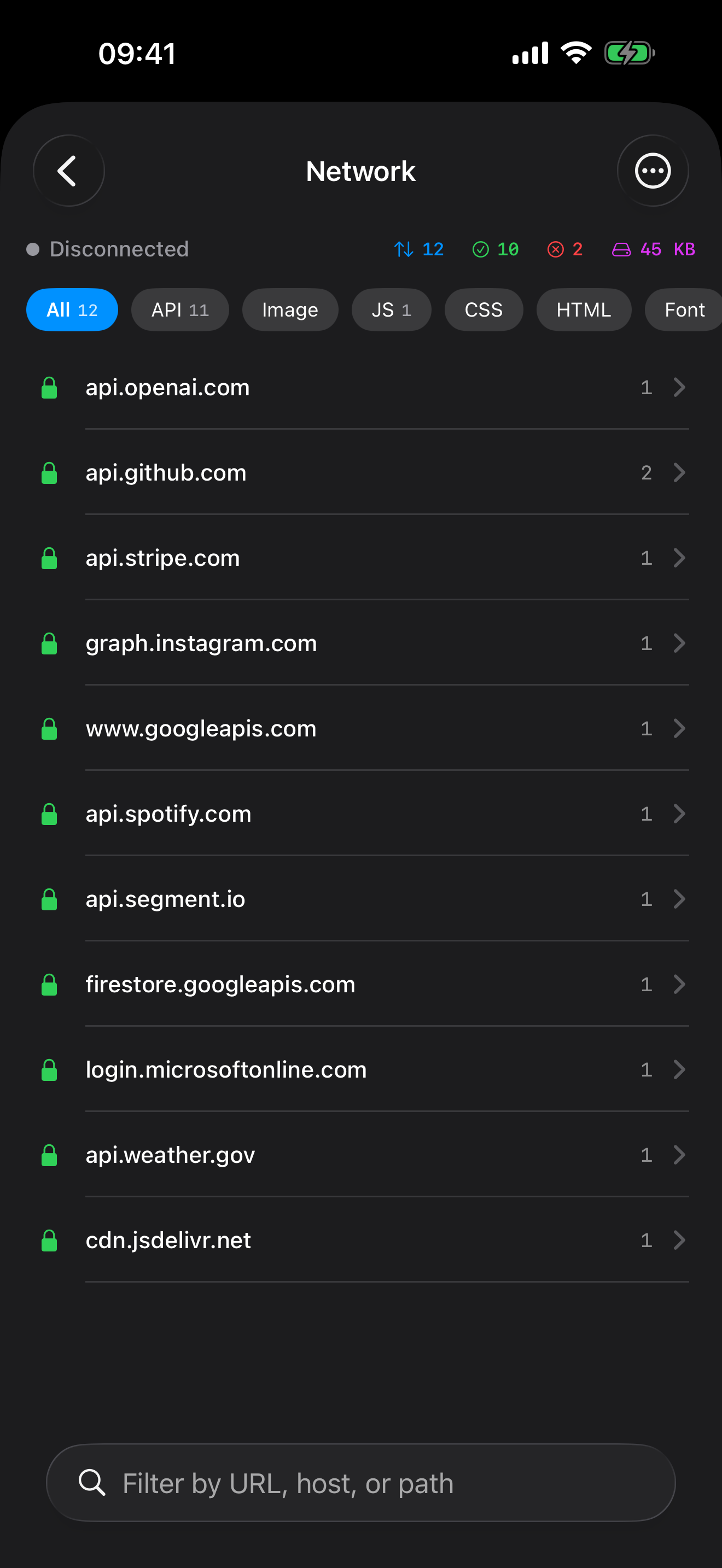
Every request/response pair streams into a live feed — method, URL, status, headers, query, and body. No Mac, no Wi-Fi proxy setup.
Full detail
Drill into headers and bodies
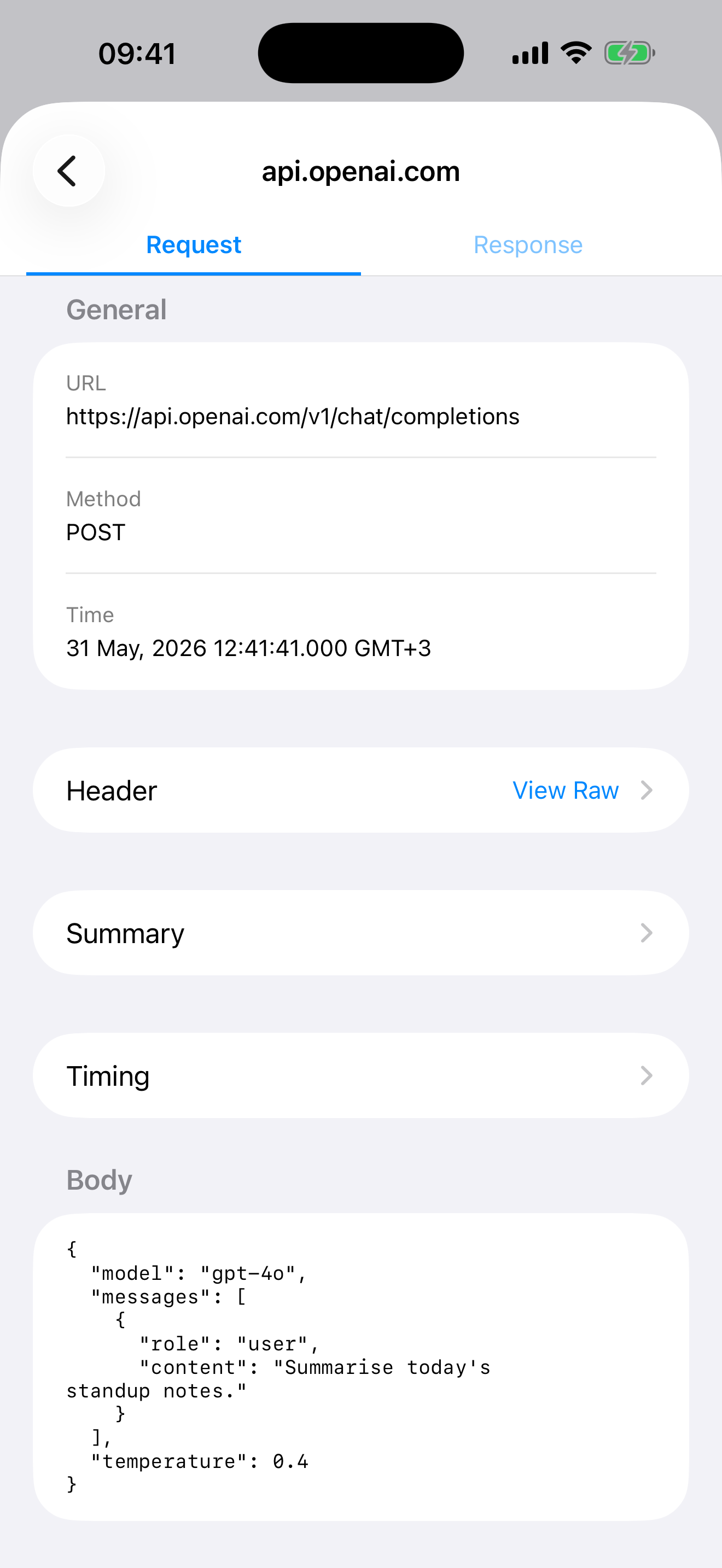
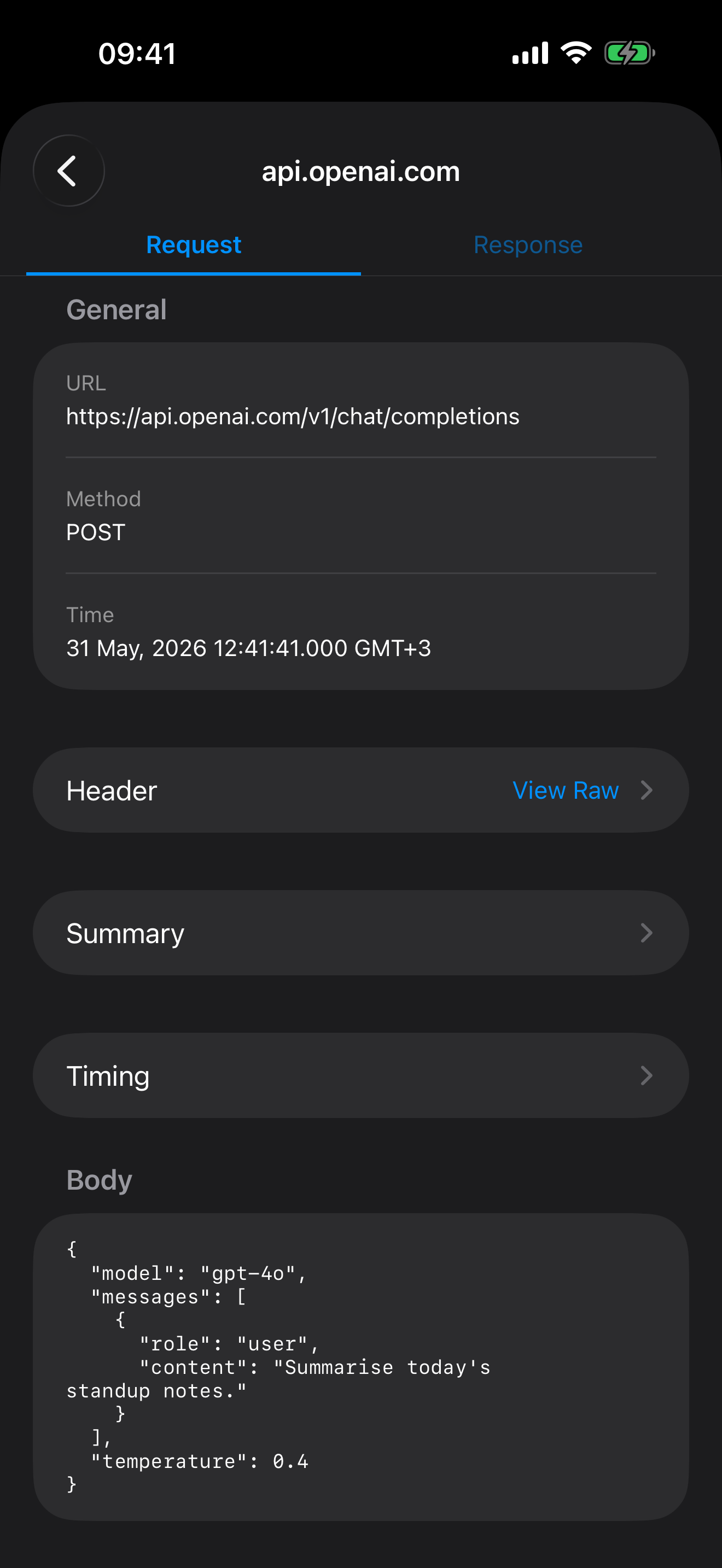
Open any request to inspect headers, query parameters, status codes, timing, and the full request and response bodies — formatted and readable.
You choose
Decrypt only the domains you pick
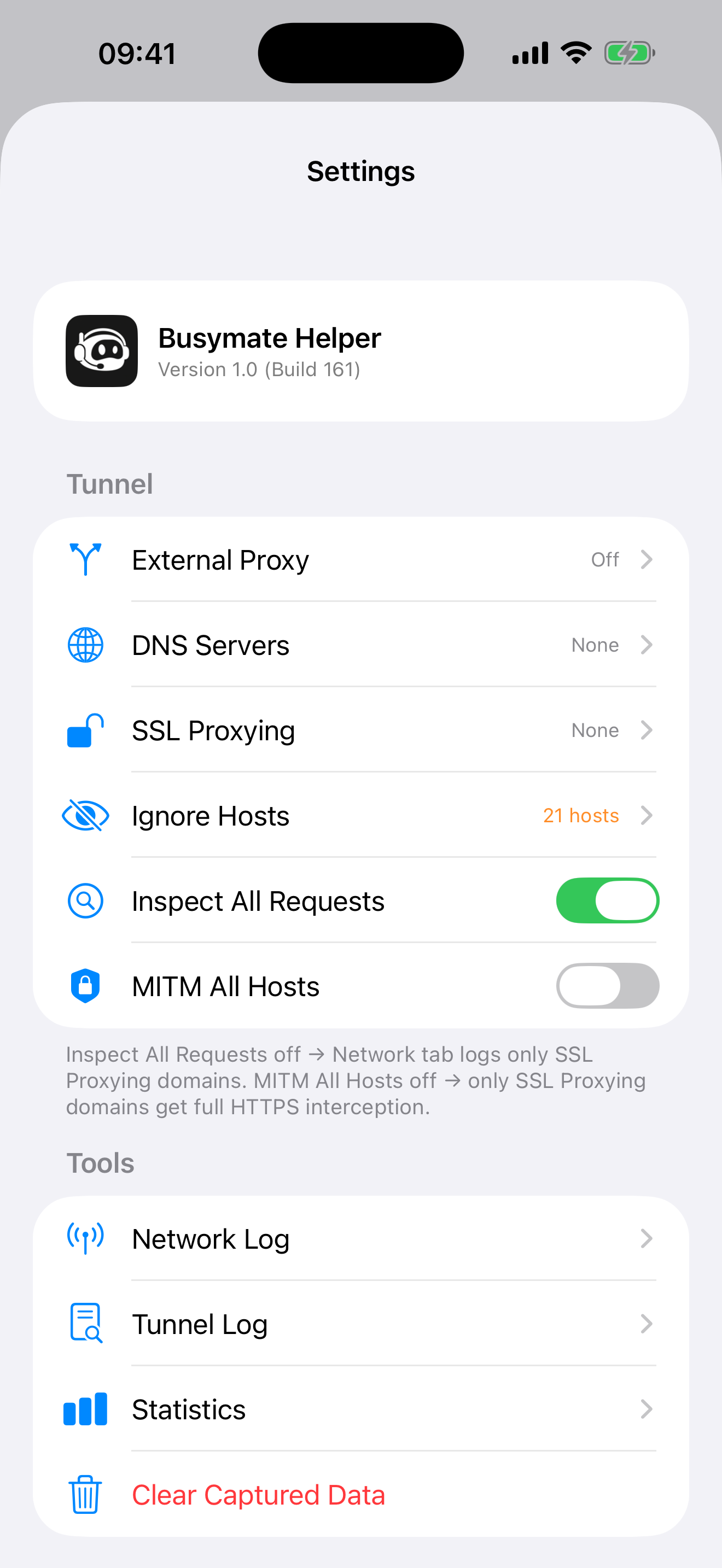
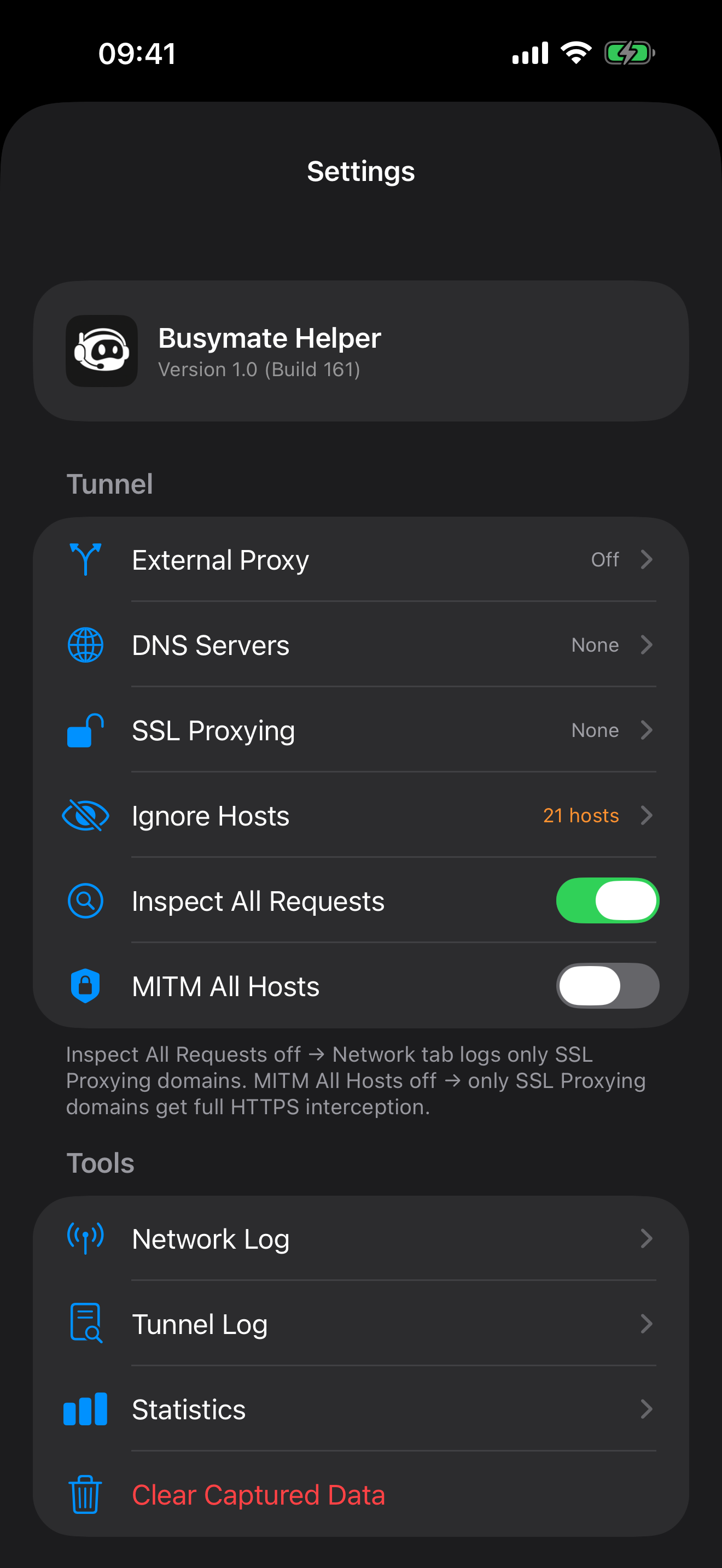
HTTPS is decrypted only for the domains you add to your SSL-proxy list. Everything else stays end-to-end encrypted and passes through untouched.
Bigger screen
Sync to your dashboard
Optionally sync captures to your private dashboard at dash.busymate.net — inspect on a bigger screen, search, tag, and export to HAR.
You stay in control
Busymate Helper is built for inspecting traffic from apps and sites you own or are authorized to debug. Capture is always opt-in and you decide exactly what gets decrypted.
Capture is opt-in
Nothing is captured until you explicitly turn it on and accept the on-screen disclosure.
HTTPS only for chosen domains
Decryption is limited to domains you add — and you can add or remove them at any time.
A local CA, on your device
Decryption uses a CA certificate generated just for you, with guided step-by-step setup inside the app.
Stop and remove anytime
Stop capturing and remove the VPN profile from iOS Settings whenever you like. Synced captures are deletable.
Privacy first
Traffic is captured on-device using Apple's NetworkExtension — nothing is routed through our servers. Captured data can include sensitive values such as tokens and credentials, so only inspect domains you understand and control. Synced captures are stored under your own account and can be deleted at any time. See our privacy policy.
Ready to debug on the go
- iOS / iPadOS 17 or later
- A free Busymate account (sign in with Apple or email)
- No in-app purchases